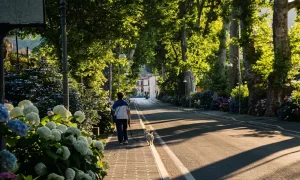
Victory Memorial Gardens
Ideal for a family outing


About the Murrumbidgee River
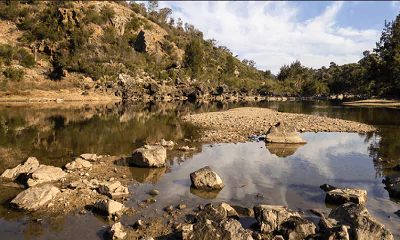
Wagga Wagga is nestled on the banks of the beautiful Murrumbidgee River, which is one of the largest rivers in Australia. It’s been the oldest and most reliable source of sustenance for the people of Wagga. It is a beautiful river which is home to hundreds and thousands of endangered species such as Murray Cray, fishes, mussels and crayfish. The river gets its name from the Wiradjuri language in which Murrumbidgee means big water. The river is of significance to the aboriginal people because it flows through many of Australian aboriginal lands. People come here for fishing, swimming and boating.
City of the Good Sports
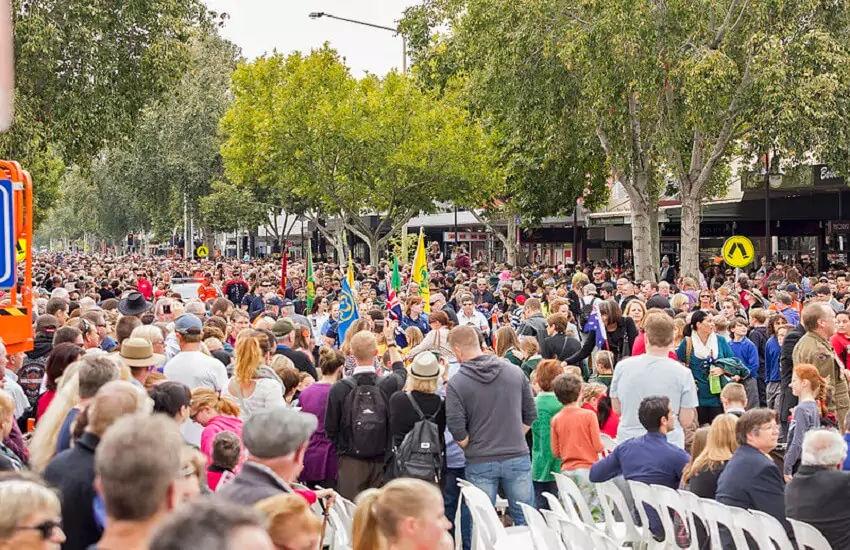
The electrifying regional town of New South Wales is recognised as the “City of Good Sports”. It is home to many famous sporting heroes including the former Australian cricket captain Mark Taylor, AFL legend Paul Kelly and rugby league great Peter Sterling. The city has produced a high number of well-renowned athletes. With so many high-profile sportsmen and women hailing from Wagga Wagga, it is believed many children are motivated to follow the footsteps of their heroes. The city is reckoned for contributing to sports like rugby, cricket, soccer, tennis etc., due to the city being on the Barassi Line.

Relax in Nature’s Lap
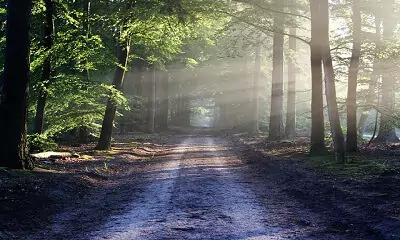
Renowned for lush-green gardens, beautiful parks, mountains and breathtaking landscapes, Wagga Wagga is a perfect place to explore, relax and enjoy the beauty of nature. You can walk between beautiful tree-lined main streets or visit stylish cafes with your loved ones. It is also known for Botanic Gardens, Collins Park and much more. You will also fall in love with the tow hectares of gardens and lagoon, consisting of hundreds of plant species, water birds and ducks. If you are planning to visit Wagga Wagga, mark your presence at the Bolton Park and Town Hall Gardens as well. Come and make your stay memorable here!
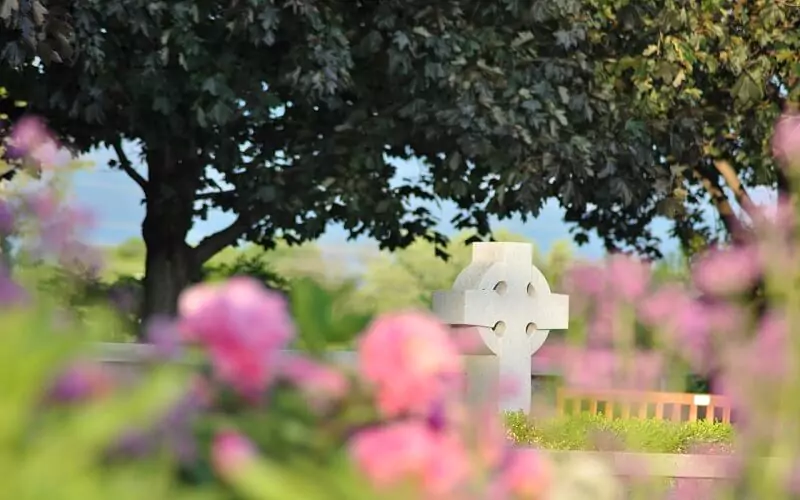
Ideal for a family outing
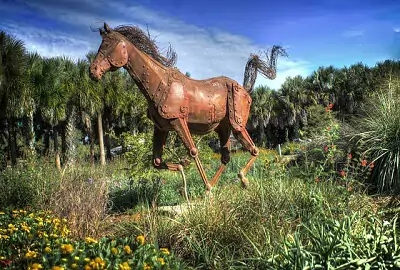
Explore inspiring farm art sculptures

A perfect place for book lovers
Discover an array of working engines
Take the self-guided railway tour with your children
A one-stop destination for aquatic enthusiasts
Beautifully-preserved historic site
A mini zoo, children’s adventure playground, free flight aviary.
Wagga Wagga, a city known for its vibrant culture and rich history, is also home to a delicious array of street food and local dining spots. For food lovers, this…
Continue Reading
Wagga Wagga is one of the most populated inland cities in Australia, and it is also considered the heart of the Riverina region. In fact, it is the largest inland…
Continue Reading
Australia is best known for vibrant and lively cities like Sydney, Melbourne, Brisbane, Sunshine Coast, Newcastle, etc. However, most people forget about the small towns and cities that add charm,…
Continue Reading